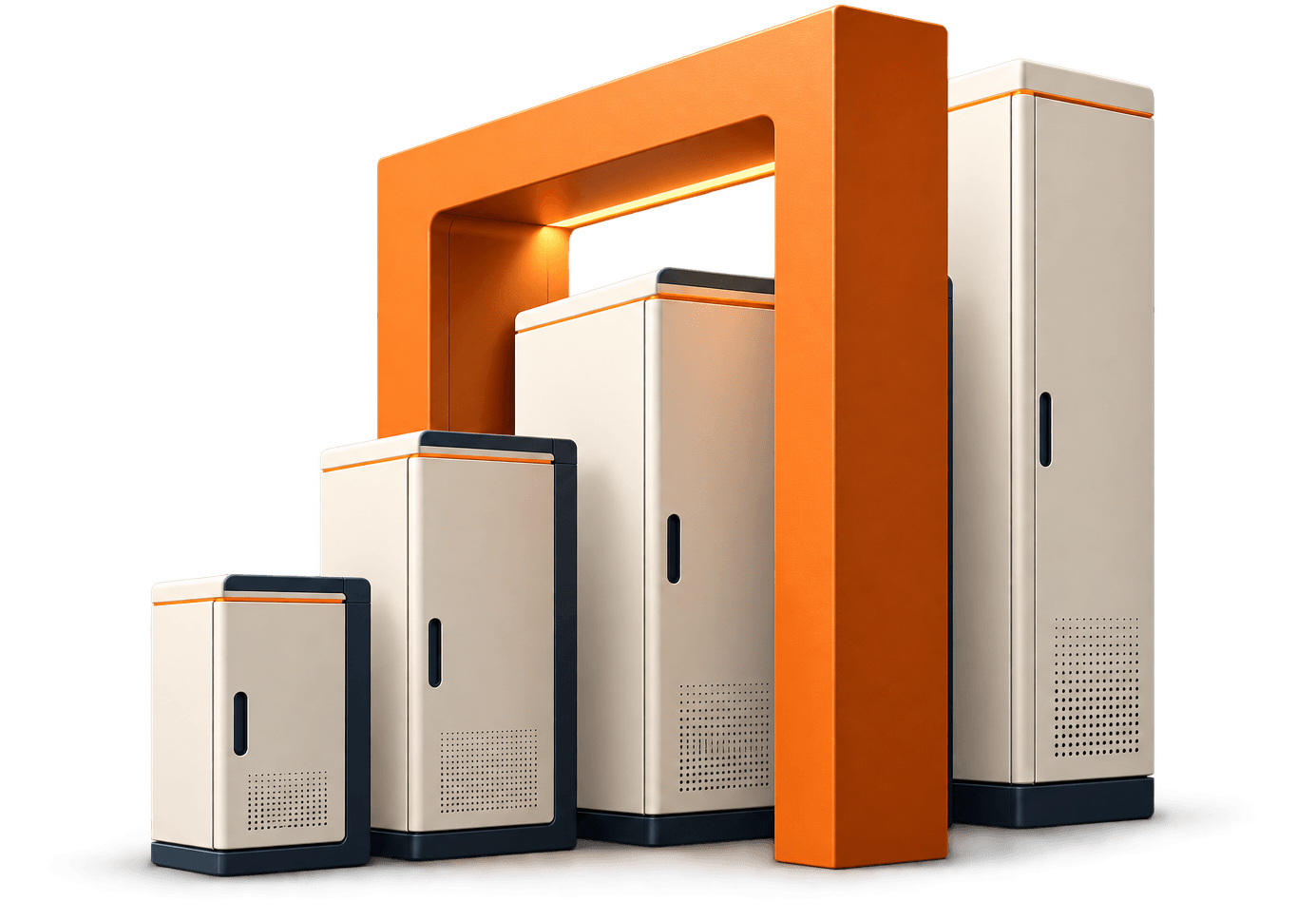
XPANCA Products
Accounting, point-of-sale and online shop apps in one flow.
Start with HUB for your books and operations, then add a till, an online shop or a connection to other apps when you are ready.
HUB
Accounting & operations
- Sales
- Stock & Warehouse
- Accounting
- Reports
One source of data
- HUB POSPoint of sale
- HUB CommerceOnline shop
- Partner APIIntegration
Ready-to-use Products
Choose the process you want to tidy up first.
Find the product that fits your operational needs, then request a demo.
Accounting & Operations
HUB
Sales, purchasing, stock and finance are recorded in one flow. Every transaction updates stock and the journal straight away, so reports are ready to read without a manual month-end recap.
- Can be used on its own
HUB modules
- 01Sales
- 02Purchasing
- 03Stock & Warehouse
- 04Production
- 05Accounting
- 06Fixed Assets
- 07Reports
- 08Settings
- Automatic journalA journal entry for every transaction; debits and credits always balance.
- Multi-warehouse stockStock cards with running balances, stock takes, and no negative stock.
- Reports ready to readProfit & loss and balance sheet without a month-end recap.
Sales
HUB POS
Sales in the shop or out in the field go straight into stock and the books in HUB, with nothing entered twice.
- Connects to HUB
Sales receipt
Cash
- Ground coffee 250 g × 2
- 200,000
- Palm sugar 1 kg × 1
- 45,000
- Total
- IDR 245,000
- Shop warehouse stock goes down
- Sales journal entry created
- Catalogue from HUBProducts and prices come straight from HUB.
- Flexible paymentCash, transfer, part payment or instalments.
- Bluetooth receiptsPrint receipts to a Bluetooth printer.
Sales
HUB Commerce
The online shop's catalogue and stock stay in sync with the warehouses in HUB, and paid orders go straight into the books.
- Connects to HUB
Online order
Paid via QRIS
- Ground coffee 250 g × 3
- 300,000
- Voucher
- −20,000
- Total
- IDR 280,000
- Warehouse stock in sync
- Order recorded in the books
- Stock in syncCatalogue and stock come from HUB.
- Digital paymentQRIS, virtual accounts and e-wallets.
- Straight to the booksPaid orders are recorded in the books automatically.
Integration
Partner API
Data and transactions move between HUB and other systems with nothing entered twice. Partner API is the basis of the Automation & Data Bridges service.
- Connects to HUB
- HUB → Your app
- Products, customers, warehouses
- Your app → HUB
- Sales & purchase transactions
Every request is signed with HMAC
- Read master dataProducts, suppliers, customers and warehouses.
- Send transactionsSales and purchases from other systems go into HUB.
- Secure & documentedHMAC signatures and API documentation.
All Products
Grow Step by Step
Start with one product. Connect it when your operations are ready.
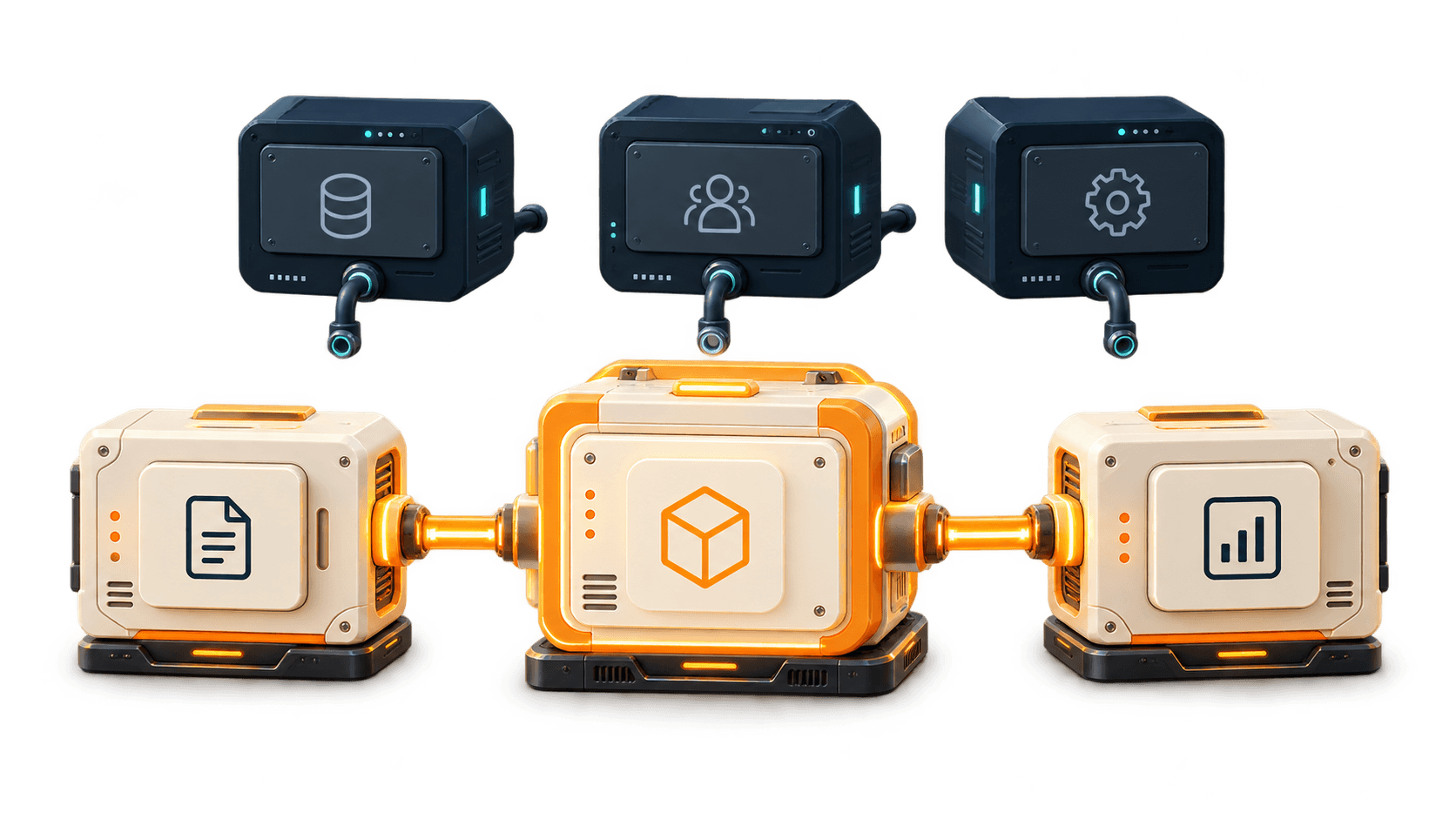
Use a product to solve your most pressing need. As processes, teams or volume grow, products can be connected so data never has to be entered twice.
1 product active
Used on Its Own
One product for one clear need.
- Faster implementation
- A contained scope
- Your team adapts gradually
- No need to replace every system
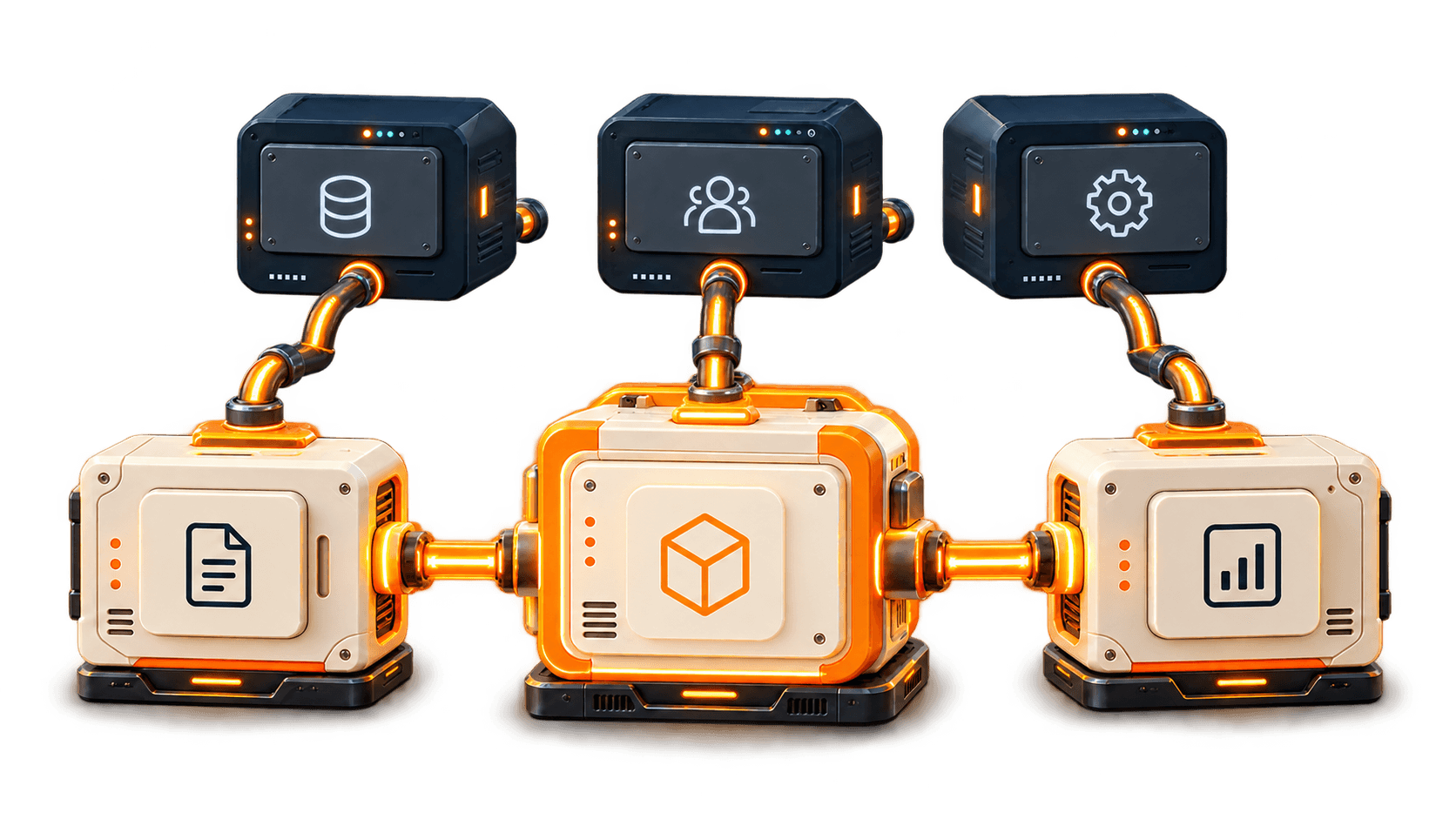
When Connected
Data flows to the next process without re-entry.
- Data is recorded once
- Status is visible across functions
- Less manual recapping
- More consistent information
Guided Implementation
Not just the application. We help until it is ready to use.
We help prepare the processes, configuration, initial data and users, so the product can truly be put to work in day-to-day operations.
From preparation to support after launch.
Discuss Implementation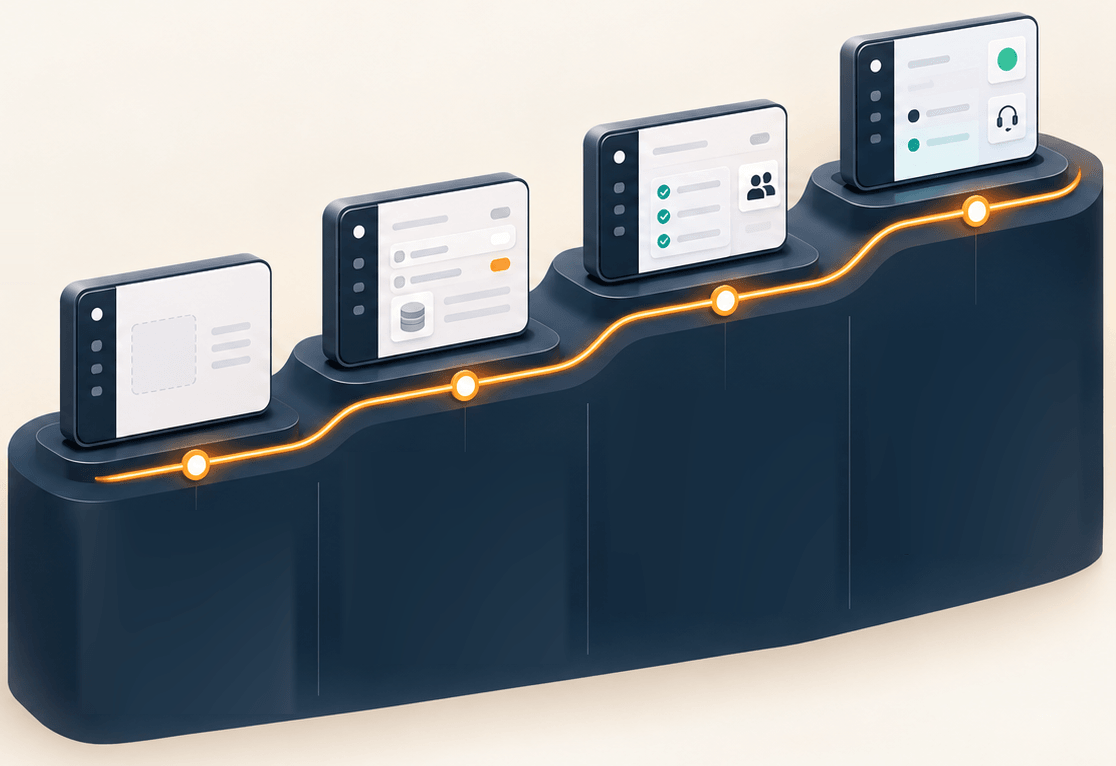
- 01Preparation
- Scope
- Initial data
- 02Configuration
- User access
- Workflow
- 03Testing & Training
- Test results
- Guides
- 04Launch & Support
- Go-live
- Support
More specific needs?
Not finding a product that truly fits?
XPANCA products can be adapted, integrated or developed further to fit your operational needs.
Product FAQ
What people often ask before they start.
Short answers to help you understand how XPANCA products are used, adapted and implemented.
HUB can be used on its own. HUB POS, HUB Commerce and Partner API work together with HUB, because the catalogue, stock and books live there. You can start with HUB alone and add the others when the need arises.
Yes. We first understand how your processes already run, then decide which parts only need configuring and which need further adaptation.
Yes, as long as the data is available in an accessible format. Before moving it, we check its structure, quality and volume to decide the safest migration approach.
Yes. Integration can be done through an API or another method the system supports. The feasibility and scope of the integration are checked technically first.
It starts with a discussion of your needs and a demo of the relevant product. Once the scope is agreed, we move on to configuration, data preparation, testing, training and launch.
The cost depends on the product used, the number of users, the adaptation needed, integration and the scope of implementation. A breakdown is shared once your initial needs are understood.
Yes. We provide support after launch to help with day-to-day use and resolve technical issues. The coverage and response times follow the package or service agreement you choose.
Start from Your Needs
Start with the one process you most want to fix.
Tell us about the process as it runs today. We will help identify the relevant product, the adaptation it needs, and realistic implementation steps.
No need to pick a product yet—just start with the problem.